Download
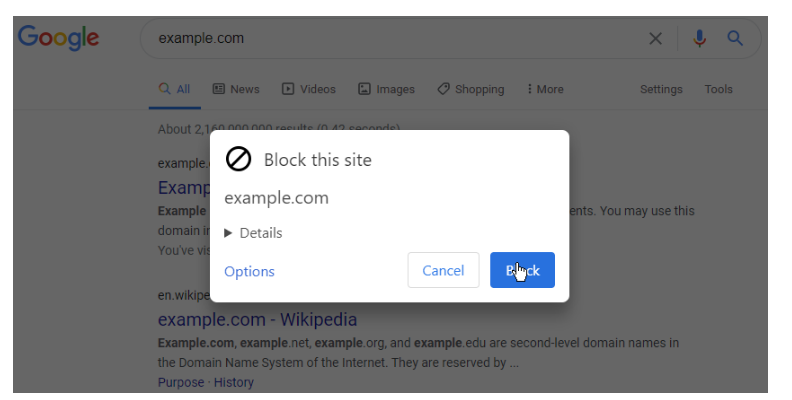
uBlacklist is a Google Search filter for Chrome and Firefox. uBlacklist requires many site permissions on install. They are necessary to support all domains where Google Search is provided (google.com, google.ac, google.ad, ...). You can install uBlacklist from Chrome Web Store, Firefox Add-ons or Mac App Store. To block a site that you are looking at from appearing on the search result page, click the toolbar icon. A "Block this site" dialog will be shown. In recent versions of Chrome, the toolbar icon may be hidden by default. If so, first click the puzzle piece icon. To see and edit blocked sites, open the options page. It can be accessed from the toolbar icon. Blocked sites are displayed on the top of the options page. After editing them, don't forget to press the "Save" button.
Features
- Prevent blocked sites from appearing even in a moment
- Block sites with specific URLs using match patterns or regular expressions
- Block sites with specific titles using regular expressions
- Highlight sites
- Supports Bing, DuckDuckGo, Ecosia (partially), Qwant and Startpage.com
- Synchronize block rules among devices using Google Drive or Dropbox
Project Samples